In this blog post, I am going to compare two presentation software:
Prezi versus Sway
Prezi and Sway are both web-based presentation software that are available to use for free. Subscriptions are available for Prezi starting at €5 for the standard plan, and up to €19 per month for the Premium plan, whereas Sway is free to anyone with a Microsoft account.
Prezi
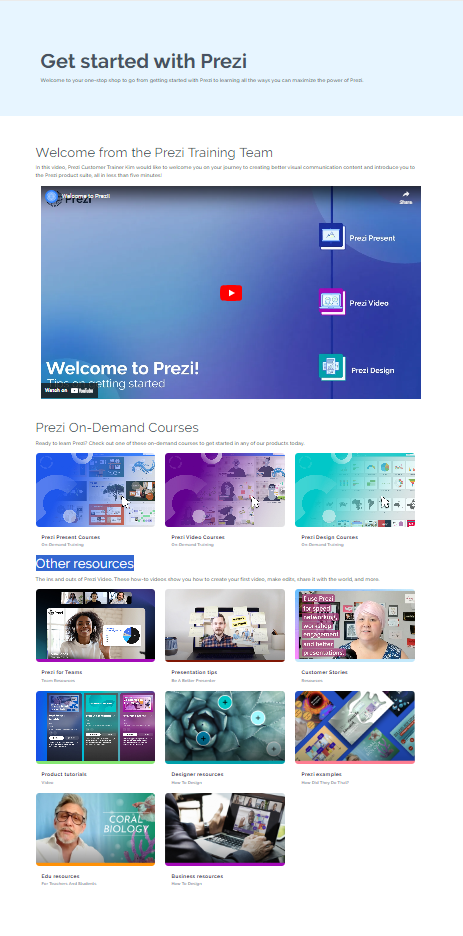
Pros
Has the option to make presentations, infographics and video
Can convert existing PowerPoint documents
Lots of resources for learning how to use Prezi
Can go full-screen
Has AI assistance
Can create videos within Prezi, instead of recording externally.
Cons
More complicated/intimidating for a first-time user with no technical background
AI assistance isn't the most helpful
Subscriptions to access more features
Sway
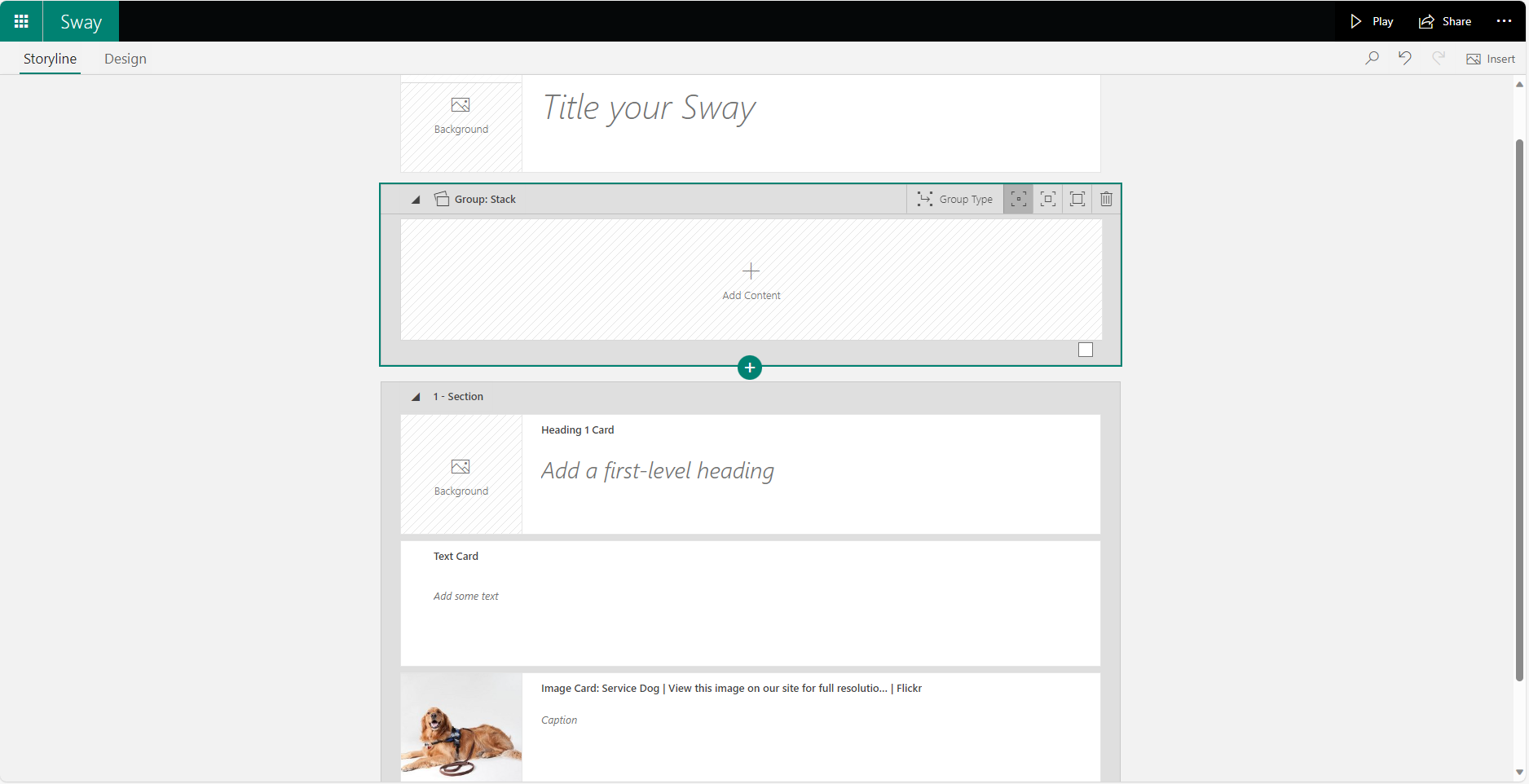
Pros
More intuitive
Less confusing
Converts Word, PowerPoint and PDFs
Uses auto-generated templates based on a prompt
Completely free
Cons
Visually boring when editing
Full screen isn't really fullscreen
Can't record videos internally, must be uploaded separately
Which one you choose depends on your requirements and your budget.
If you want to go that extra mile, then buying a Prezi subscription might be something to consider, but overall, its free features are enough for most presentations. Exporting a file to PDF is only possible with a subscription, as well as analytics, so for that alone, I wouldn't recommend it over Sway.
As a student, I would recommend Sway as it's completely free, therefore nothing is behind a paywall and is completely accessible. As I mentioned, it is less aesthetically pleasing, but it gets the job done and is fairly easy to use.
Both require you to set up an account to use the software.
So overall, I would recommend Sway over Prezi.